
Connect Field Devices
Bring Ethernet, serial, and digital signals into one industrial computer.
Not sure which configuration fits your application?
What Is the Moxa BXP-A101?
The BXP-A101 brings local computing and field-device connectivity into a compact, fanless enclosure. Intel Atom processor options, dual Ethernet, serial ports, and digital I/O support industrial data applications. Choose wall-mount or DIN-rail models, with additional storage options on M2 versions. Best fit if your priority is connecting Ethernet, serial, and digital I/O field devices in control cabinets or remote sites with harsh temperatures.
Bring Ethernet, serial, and digital signals into one industrial computer.
Match the computer to your enclosure with wall-mount or DIN-rail models.
Access CFast and SD storage through the removable cover. M2 models add an internal storage slot.
Fanless operation supports field installations from −30°C to 70°C.
| Specification | BXP-A101 Series |
|---|---|
| Processor | E2: Intel Atom x6211E, dual-core; E4: Intel Atom x6425E, quad-core |
| Memory | 8GB DDR4 preinstalled; one SO-DIMM slot, up to 32GB |
| I/O | 2 × GbE RJ45; 2 × RS-232/422/485; 4 DI / 4 DO; 2 × USB 3.0; 1 × HDMI |
| Storage / expansion | CFast and SD (M2 models add M.2 M-key 2242); 1 × mPCIe, 1 × Nano SIM |
| Power input | 12/24 VDC |
| Mounting | Wall-mount or DIN-rail models |
| Operating temperature | −30°C to 70°C |
| OS support | Windows 11 IoT Enterprise, Windows 11 Pro, Windows 10 IoT Enterprise; Debian 12; Linux drivers for Ubuntu and RHEL |
Specifications depend on the selected model. Confirm storage, operating system, and mounting requirements before ordering.
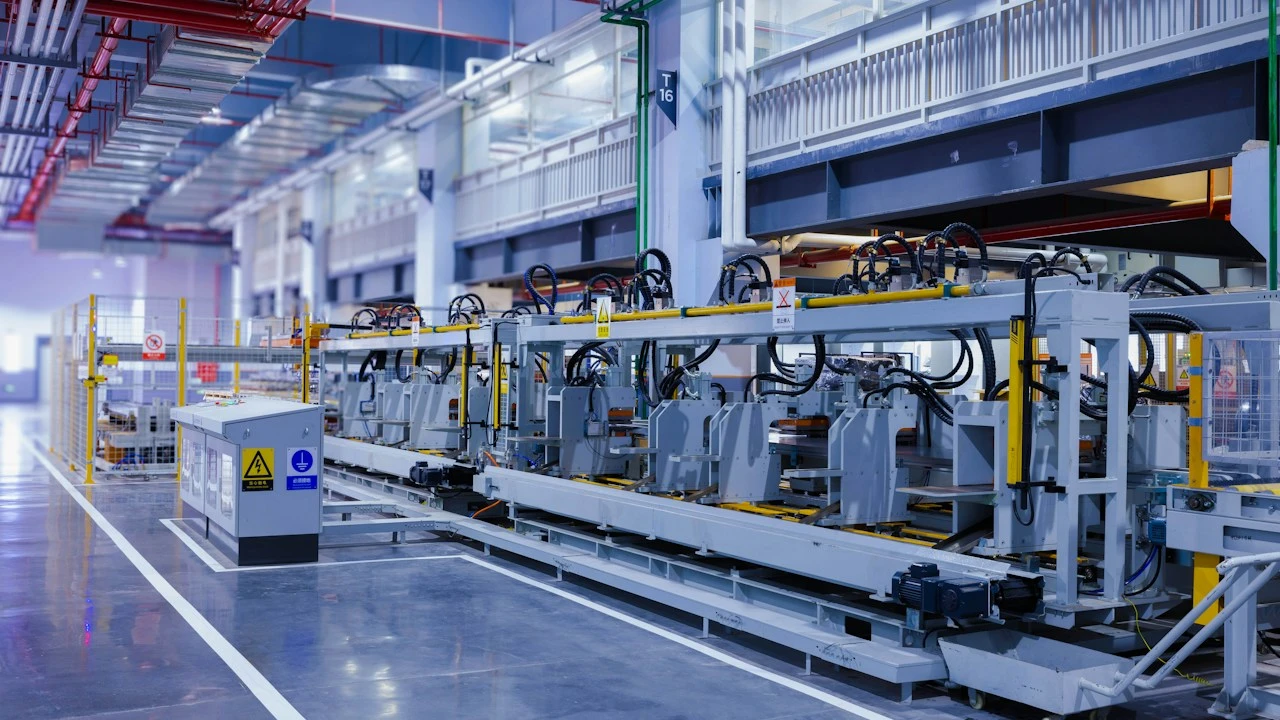
Connect serial equipment and Ethernet devices for local logging and monitoring. Application software is required.
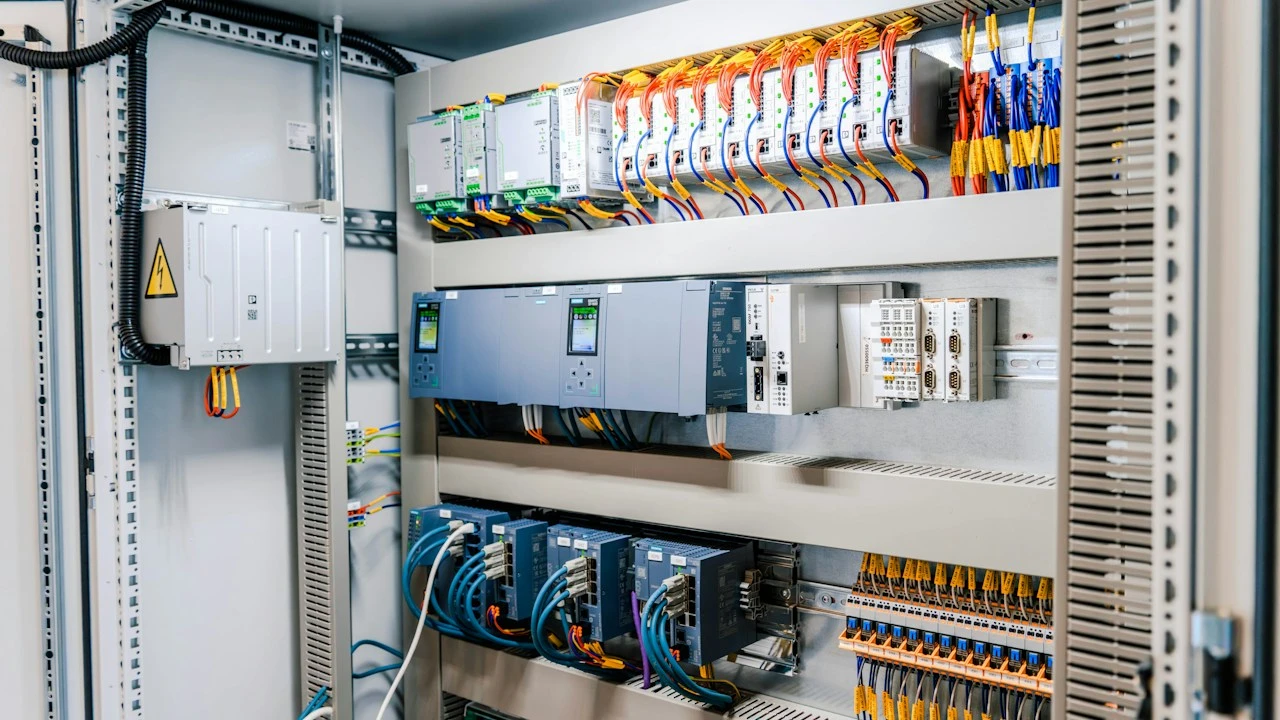
Choose the mounting format that fits your cabinet and connect local digital signals.
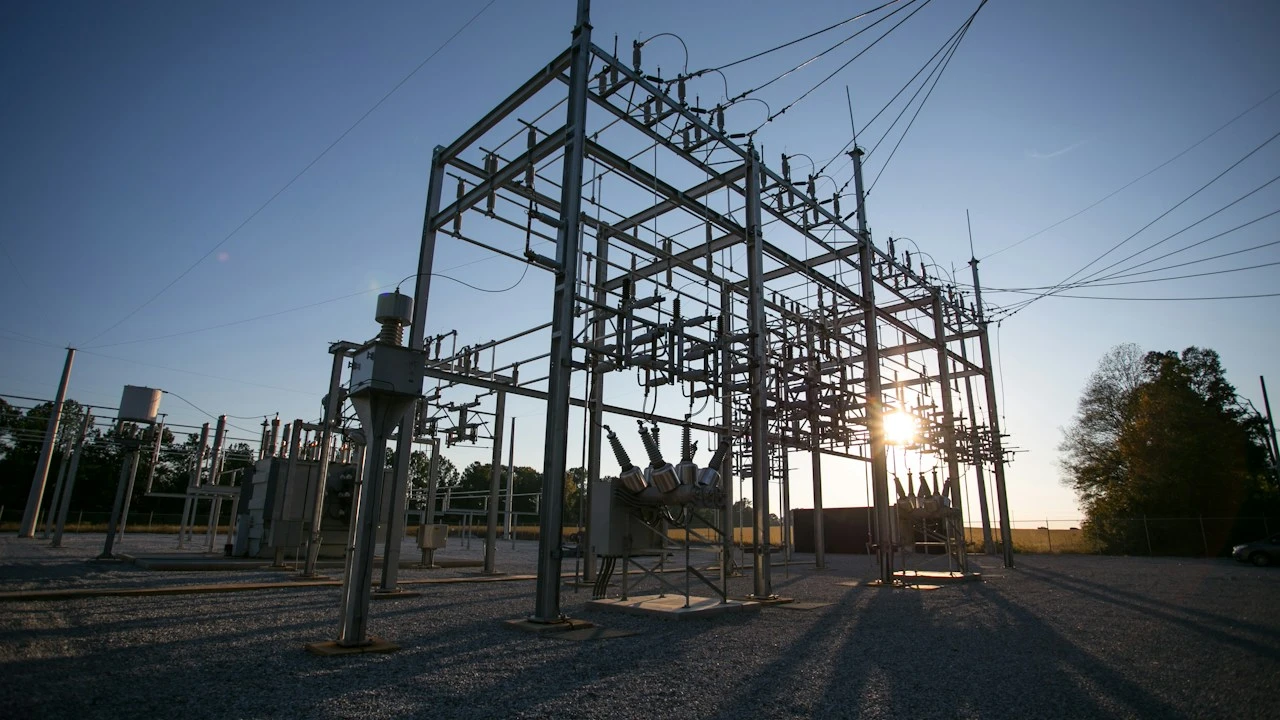
Use local processing to collect and forward equipment data. Networking and monitoring software depend on your project.
Discuss processor, mounting, and storage options with Neteon.
Review memory, operating system, and application requirements before ordering.
Contact our team for product questions and deployment planning.
Planning a BXP-A101 Deployment?
Share your device interfaces, installation environment, and software requirements. Neteon can help you choose a suitable model.